
Image Size Guide & Templates
Create images that fit At Step One perfectly. Use the recommended dimensions below when creating graphics for your profile, portfolio, projects and team workspace. Download any template to use as a starting point in your preferred design software.
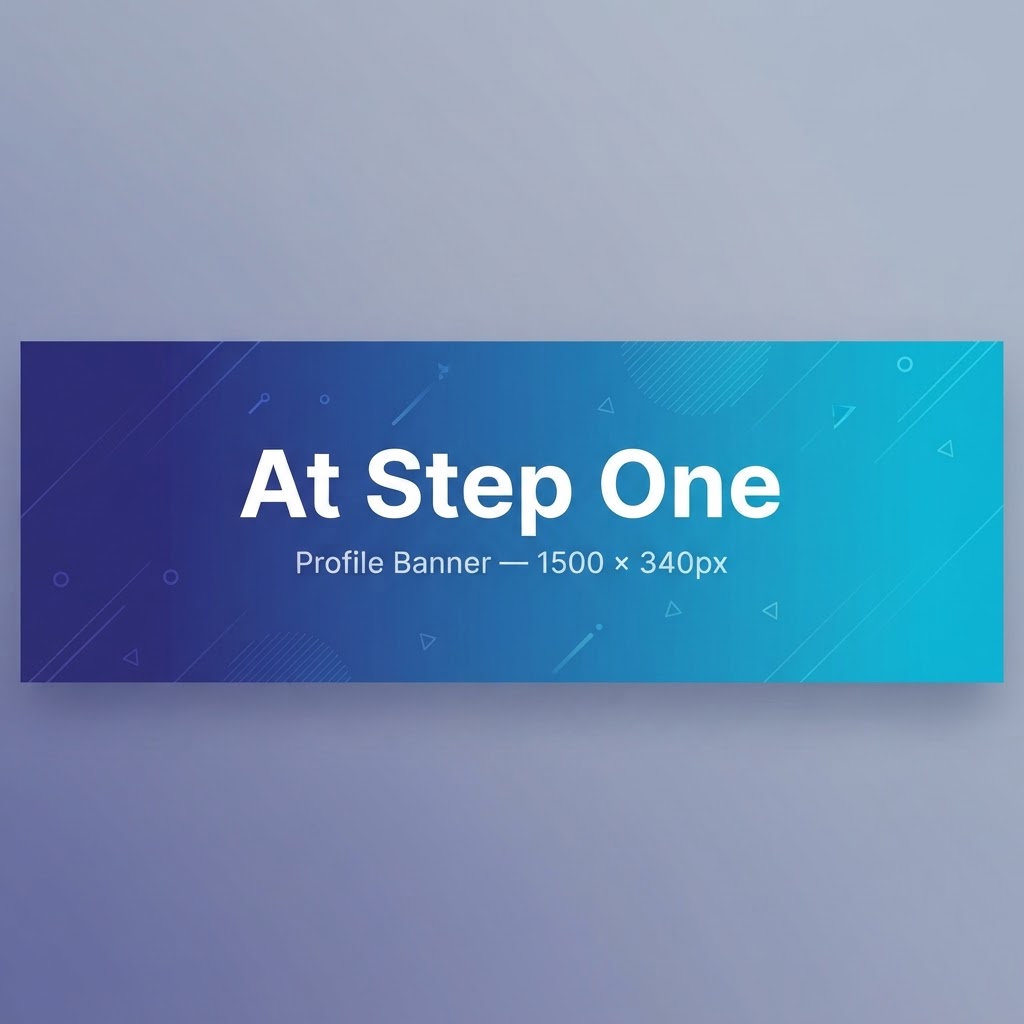
Profile Banner
1500 × 340 pxThe wide banner displayed at the top of your creator profile.

Profile Photo
400 × 400 pxYour main creator profile image. Use a square image and keep important content centered because the image may appear cropped into a circle in some areas.
Portfolio Images
1200 × 900 pxRecommended size for portfolio cover images and additional portfolio images.
Project Cover Image
1200 × 800 pxThe primary image used to represent a project throughout At Step One.

Workspace Banner
1500 × 400 pxThe wide banner displayed inside a project's team workspace.
Design Tip
Keep important text, logos, faces and other essential elements away from the extreme edges of your image. Images may be cropped slightly depending on screen size and device.